





25 Aug , 16:55
0
Slow internet at home isn't always the provider's fault. Often the cause lies in improper configuration or poor placement of the Wi-Fi router, and this can be fixed on your own.
As reported by TUT.AZ with reference to How-To Geek, experts urge users to first pay attention to wireless network settings. Frequently, a router creates two networks that incorrectly share the same connection between them — and this immediately impacts speed.
Among useful tools, specialists particularly highlight the Smart Queue Management (SQM) function. This technology combats so-called bufferbloat — a phenomenon where internet noticeably "dips" during moments of high load. SQM reduces latency and makes the connection smoother.
An equally important role is played by the choice of DNS server. It can be changed either independently or with the help of a specialist. A properly selected DNS noticeably speeds up request processing and makes working with online services much more comfortable.
Another effective tip is to distribute devices between Wi-Fi networks on the 2.4 and 5 GHz frequencies. This helps offload each of the bands and select the optimal frequency depending on the location and capabilities of a specific gadget.
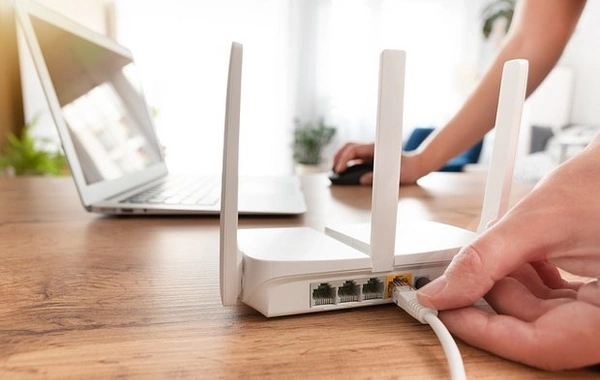
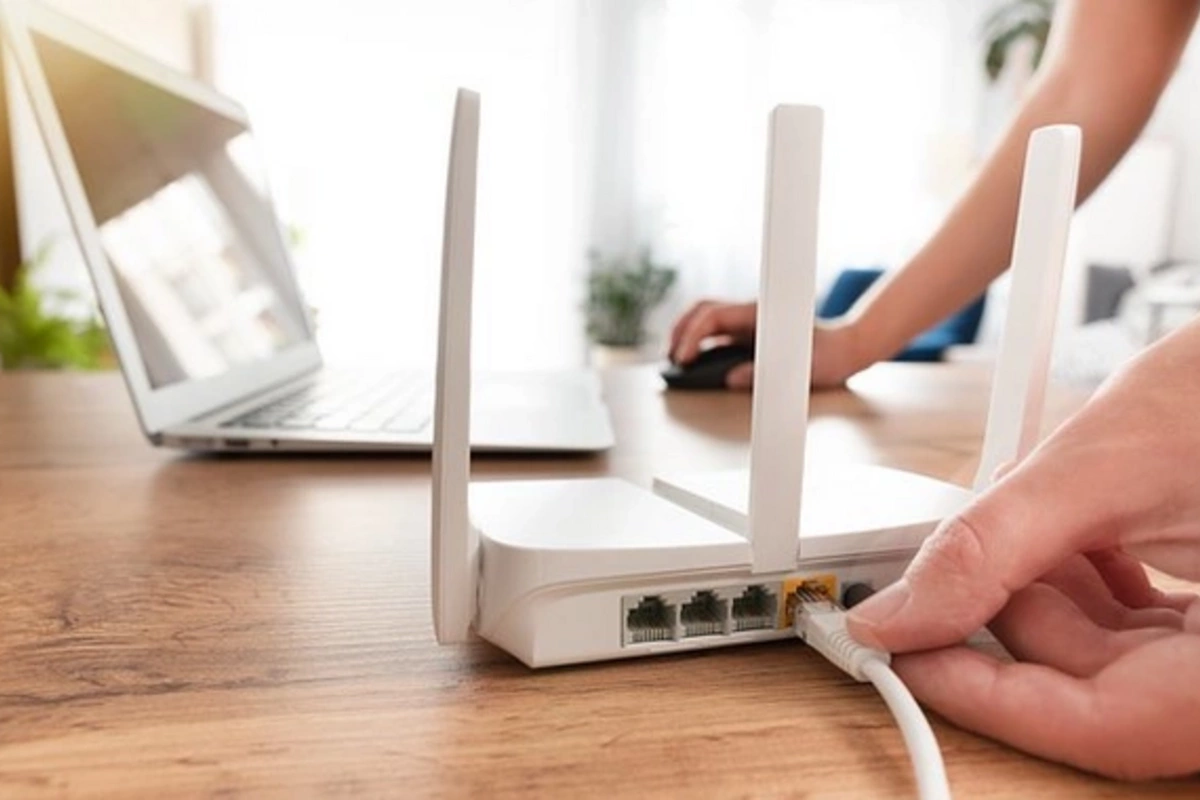
Finally, it is critically important where exactly the router is placed. Specialists strongly recommend positioning it as high as possible and not blocking it with furniture or other objects. The principle is simple: the fewer physical obstacles between the router and devices, the more stable and powerful the wireless signal.
The conclusion is obvious: before overpaying for a more expensive plan, it's worth checking the router settings, changing the DNS, properly distributing devices between Wi-Fi bands, and reconsidering the equipment's placement location. Perhaps fast internet has already been paid for — you just need to let it work at full capacity.